Murmur
Voice-to-text on any Mac. Even your old Intel one.
WhyWrite at talking speed, without upgrading your Mac.
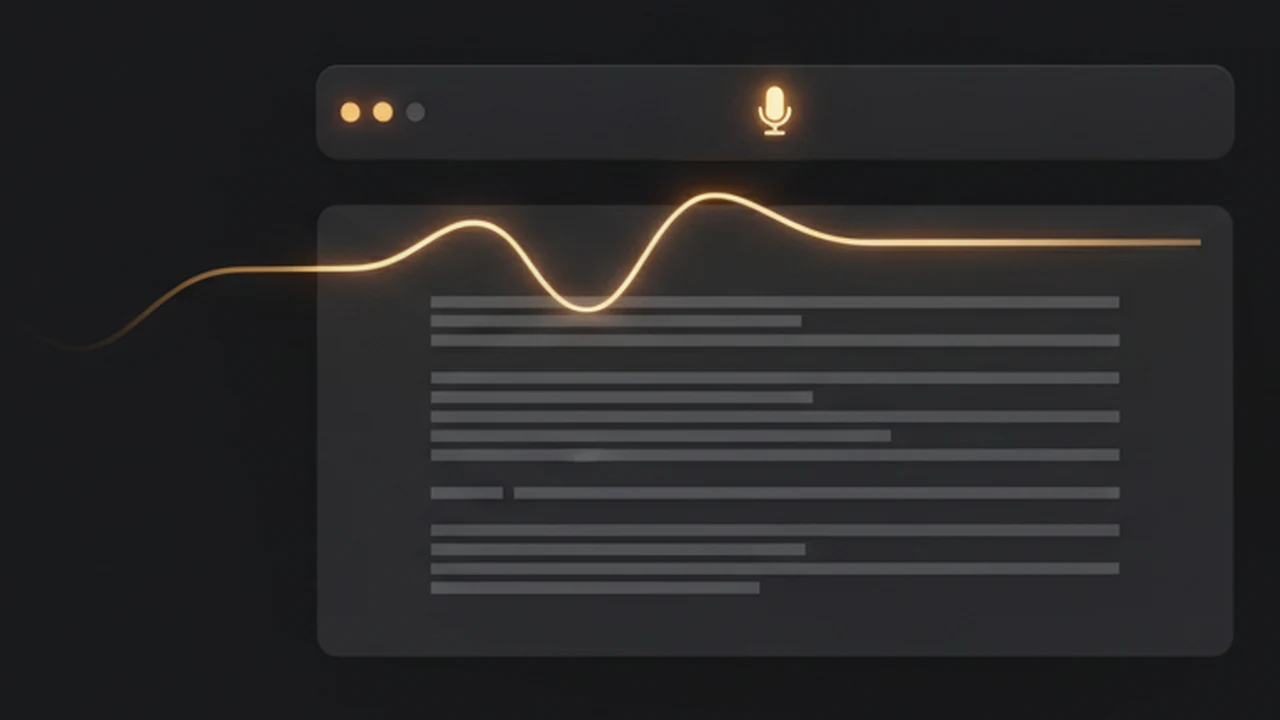
Every decent dictation app wants Apple Silicon and an 8 GB local Whisper model. Murmur streams to Groq instead, so a 2018 MacBook Pro keeps up. Hold right-⌥, talk, release — the text lands wherever your cursor is.
- Push-to-talk on right-⌥, auto-pasted
- API key stays in the macOS Keychain
- Menu-bar only — no Dock icon
Riffle
Per-app window switching, in ~500 lines of Swift.
WhyStop cycling blindly — see the titles, land on the right window first try.
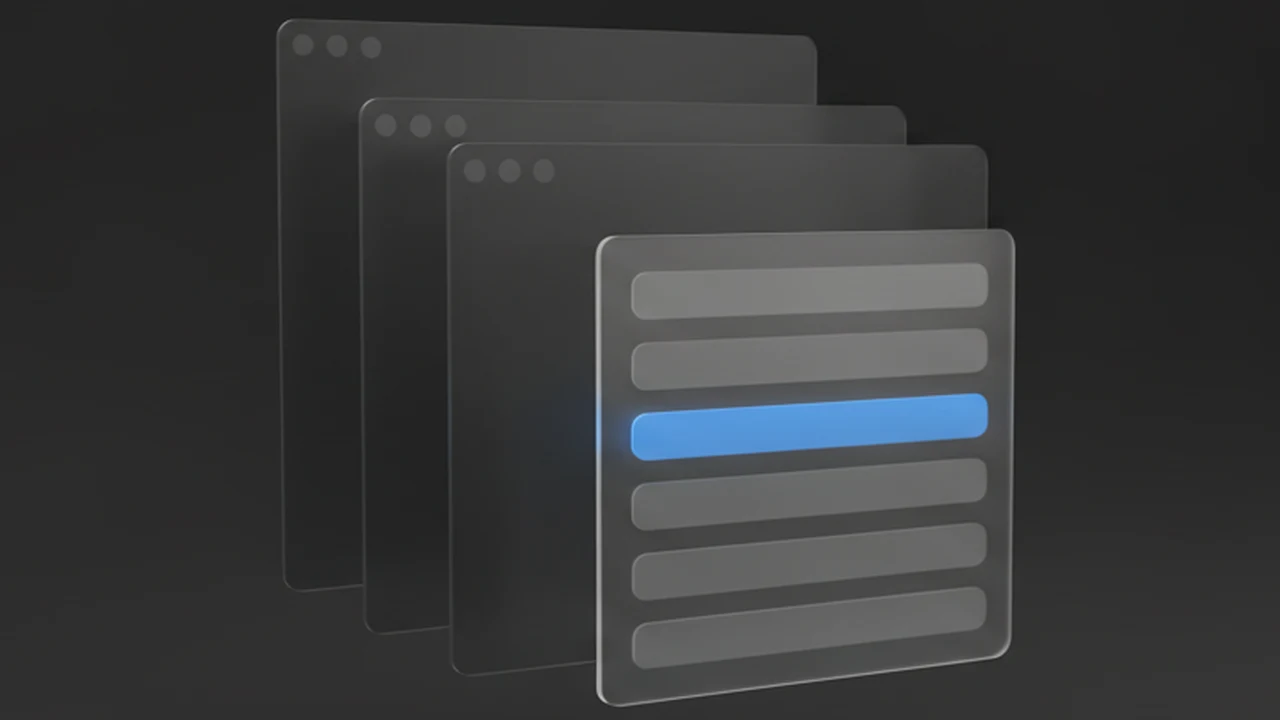
⌘-` cycles windows in whatever order macOS feels like and skips minimised ones. Riffle shows a plain list of titles for the app you're already in — front to back — and disappears the moment you let go.
- Hold ⌥, tap ⇥ — frontmost app's windows
- Includes minimised windows and other Spaces
- Zero dependencies, no Screen Recording
Focus
Make your big monitor smaller.
WhyA calmer field of view on a panel that is too big to be comfortable.
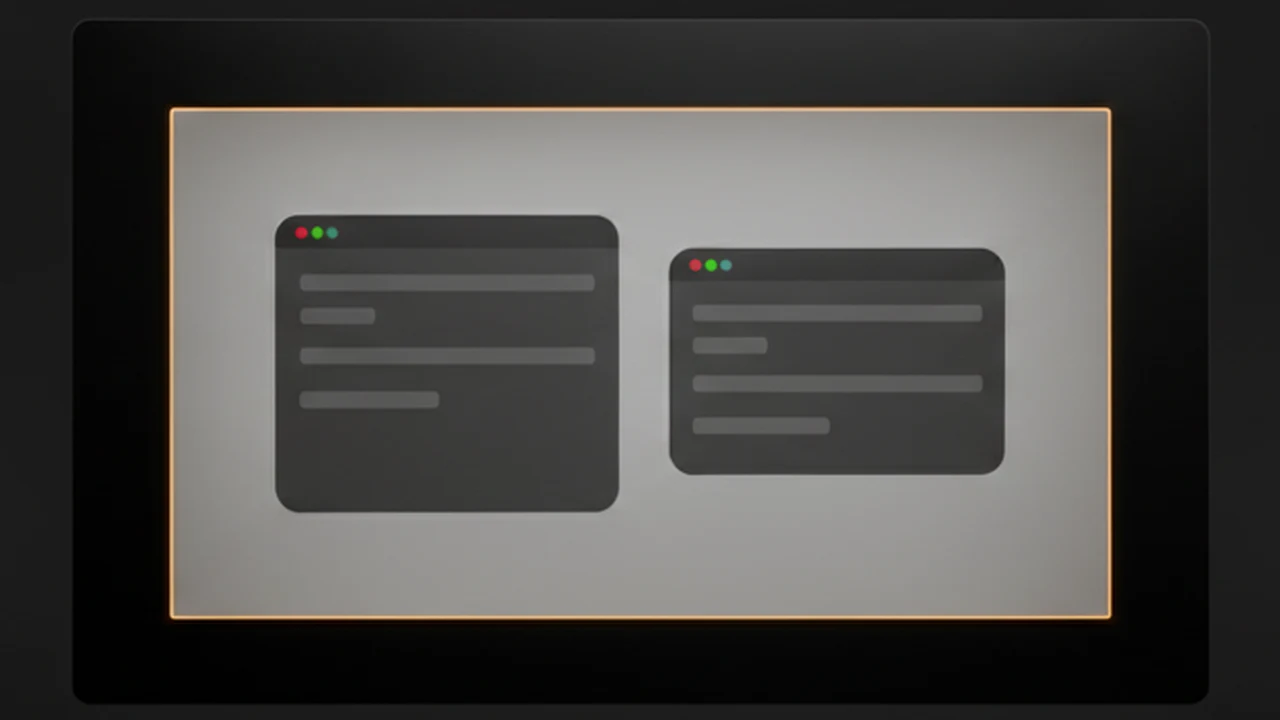
A 32″ panel is a lot of neck travel and a lot of peripheral distraction. Focus paints a black frame around a centred working area and keeps your windows inside it — the calm of a 27″ screen without buying one.
- Stray windows snap back on mouse-up
- Zoom maximises to the working area
- Hides the menu bar until you reach for it